Build your own 3D environment from scratch
You can start as a beginner, but basic familiarity with Blender and common 3D concepts is recommended. If you're completely new to 3D, take the Character course first as preparation.
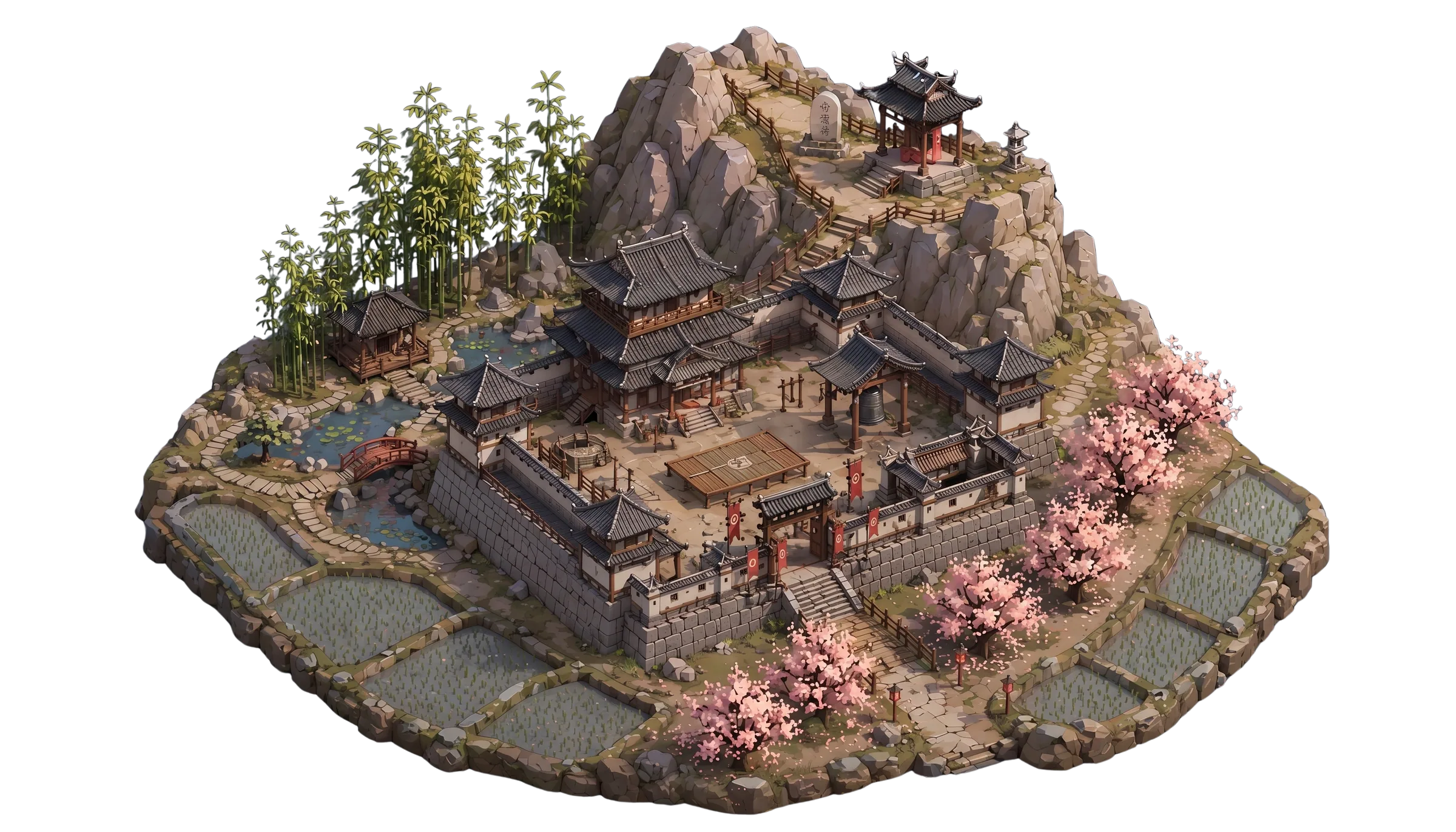
The Next-GenENVIRONMENTWorkflow
The Next-GenENVIRONMENTWorkflow


Online school for AI-assisted 3D pipelines
Two courses, one connected pipeline — from a single character to the environment it lives in. All built with AI, from idea to game engine.
See the fullprogramTwo courses, one connected pipeline — from a single character to the environment it lives in.
All built with AI, from idea to game engine.




You can start as a beginner, but basic familiarity with Blender and common 3D concepts is recommended. If you're completely new to 3D, take the Character course first as preparation.

concepts, asset generation, detailing, Blender scene assembly, and Unreal Engine 5 export and setup
50+

Assets generated
with AI for one environment
50+
Assets generated
with AI for one environment
You can start as a beginner, but basic familiarity with Blender and common 3D concepts is recommended. If you're completely new to 3D, take the Character course first as preparation.
concepts, asset generation, detailing, Blender scene assembly, and Unreal Engine 5 export and setup

START FROM THE LARGEST SHAPES AND WORK DOWN TO THE SMALLEST PROPS
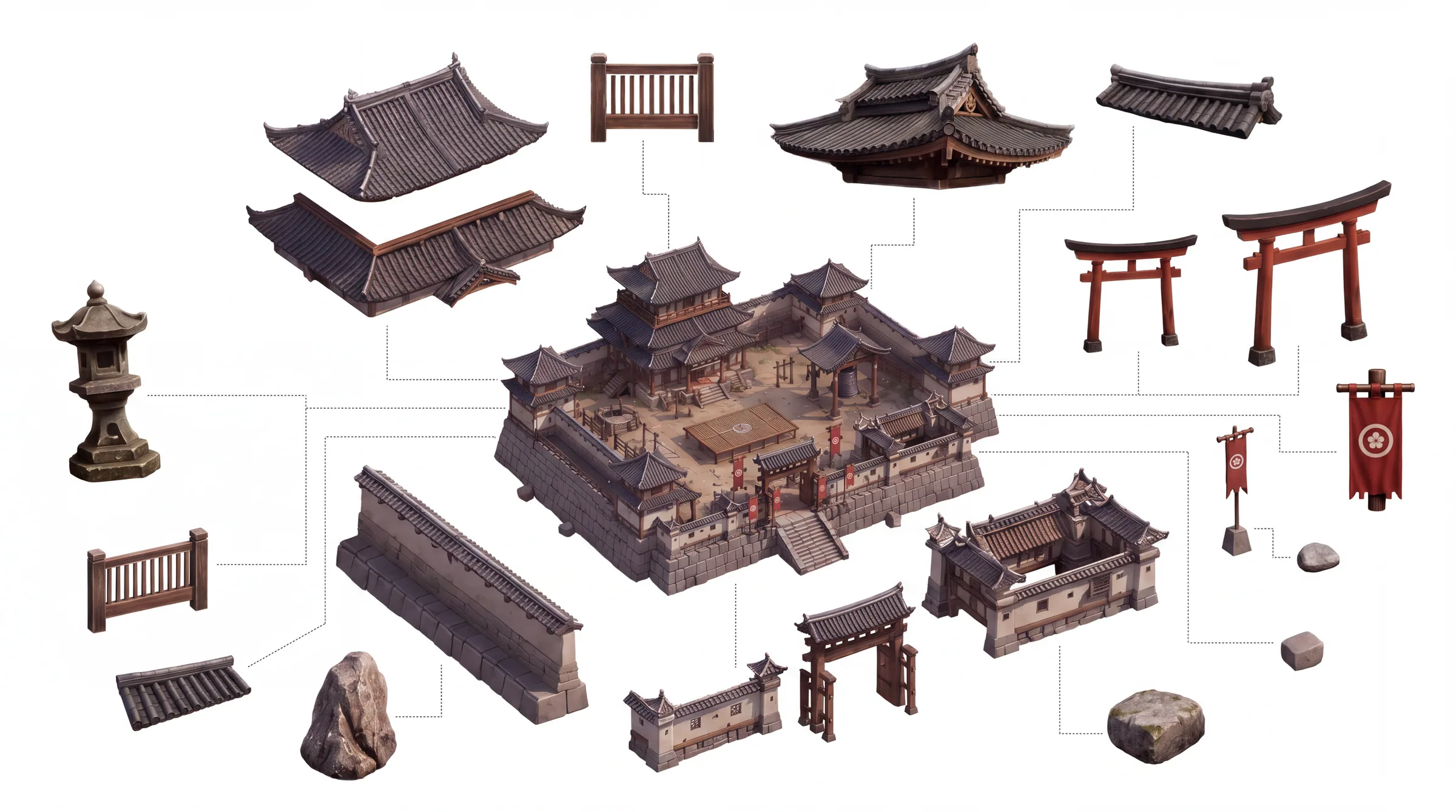

START FROM THE LARGEST SHAPES AND WORK DOWN TO THE SMALLEST PROPS








Build your own 3D environment from scratch. Designed for beginners. Blender basics recommended.

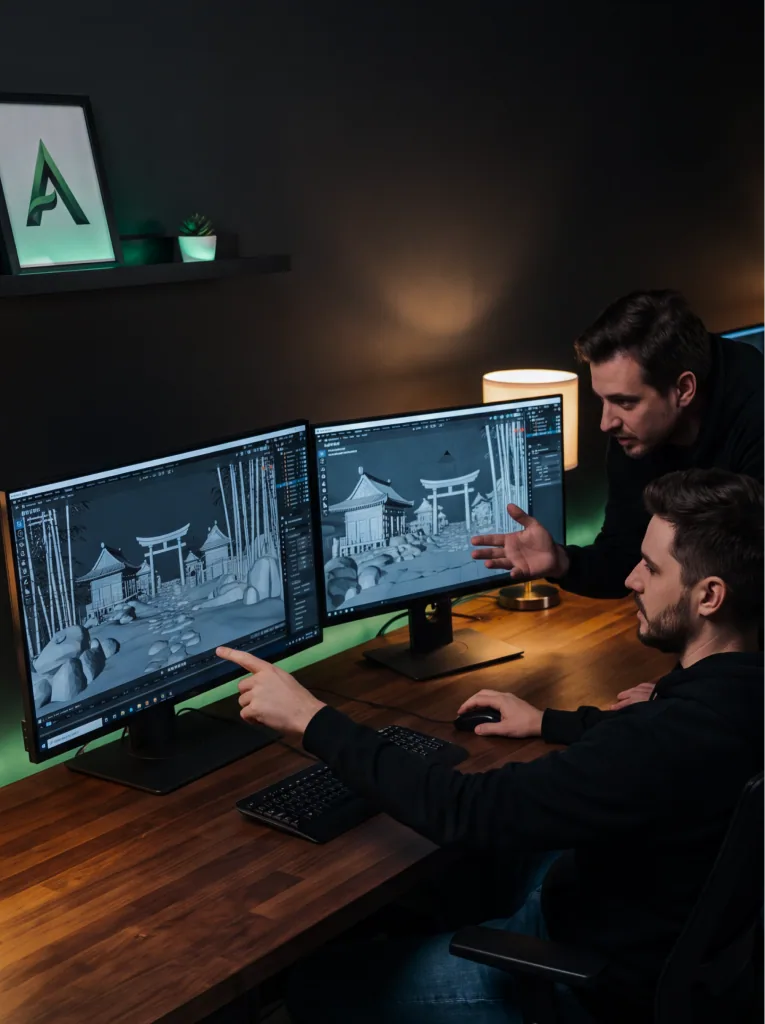


You're building a top-down or far-camera game and environments keep eating your time and budget.
After the course:
A game-ready location with optimized geometry, running in UE5.
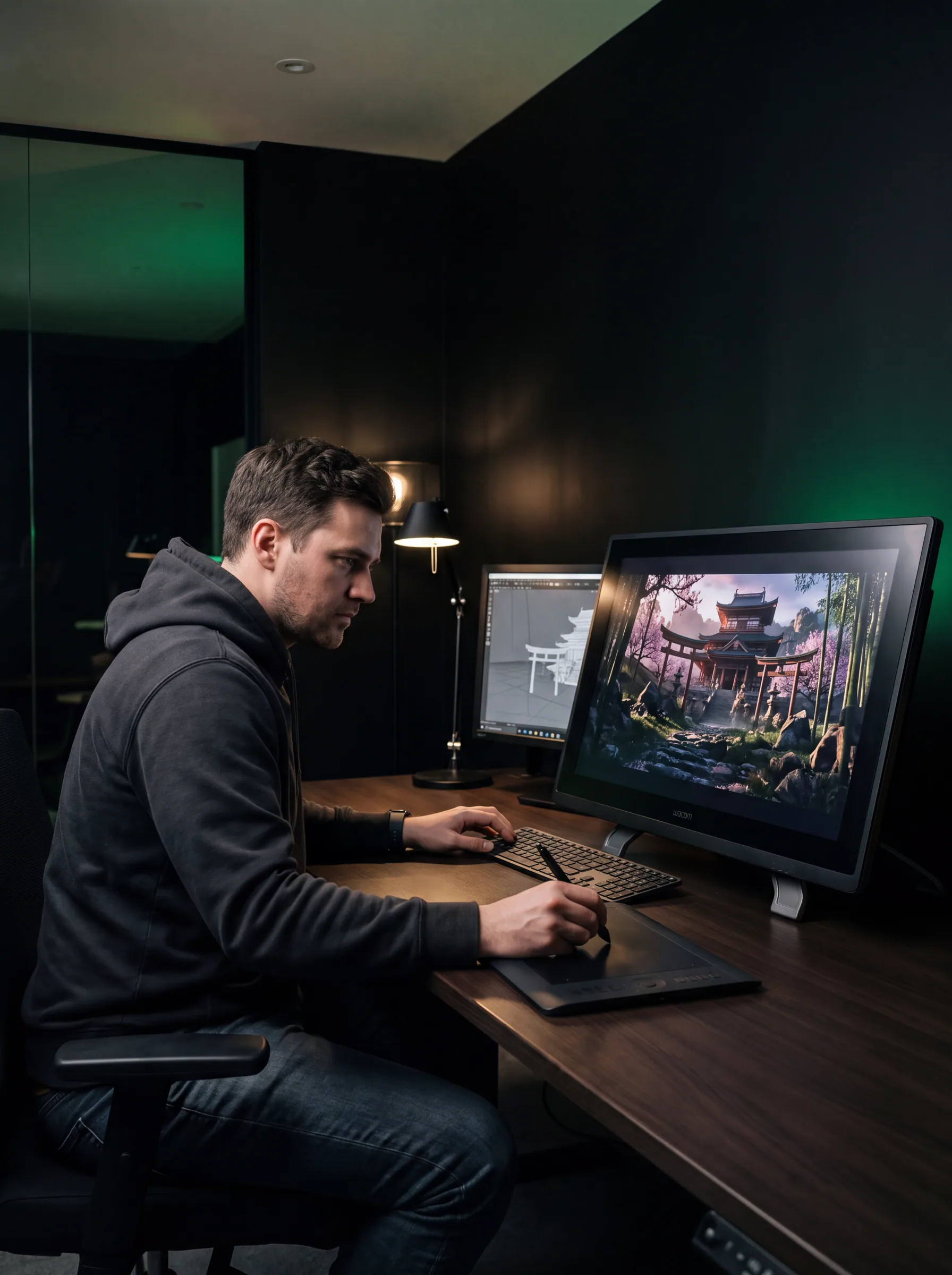


You need 3D locations for cinematic shots, portfolio renders, or social content, but building them manually takes weeks.
After the course:
A render-ready fantasy location you built from scratch using AI.
Build your own 3D environment from scratch. Designed for beginners. Blender basics recommended.
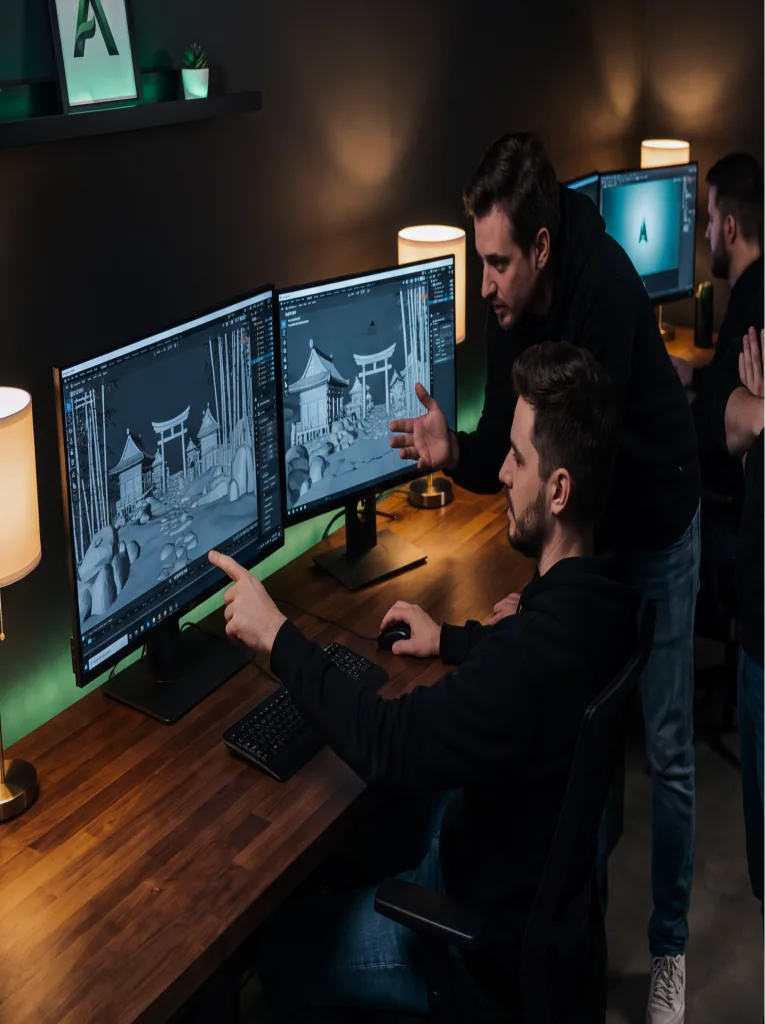

You're building a top-down or far-camera game and environments keep eating your time and budget.
After the course:
A game-ready location with optimized geometry, running in UE5.

You need 3D locations for cinematic shots, portfolio renders, or social content, but building them manually takes weeks.
After the course:
A render-ready fantasy location you built from scratch using AI.


From a roughsketchto a locationin a game engine
PROGRAM
From a roughsketchto a locationin a game engine
PROGRAMFrom a roughsketchto a locationin a game engine
PROGRAMFrom a roughsketchto a locationin a game engine
From a roughsketchto a locationin a game engine
PROGRAMFrom a roughsketchto a locationin a game engine
PROGRAMFrom a roughsketchto a locationin a game engine
PROGRAMFrom a roughsketchto a locationin a game engine
PROGRAMFrom a roughsketchto a locationin a game engine
PROGRAMFrom a roughsketchto a locationin a game engine
PROGRAMFrom a roughsketchto a locationin a game engine
From a roughsketchto a locationin a game engine
PROGRAMFrom a roughsketchto a locationin a game engine
PROGRAMFrom a roughsketchto a locationin a game engine
PROGRAMFrom a roughsketchto a locationin a game engine
PROGRAMLesson 1 of 7
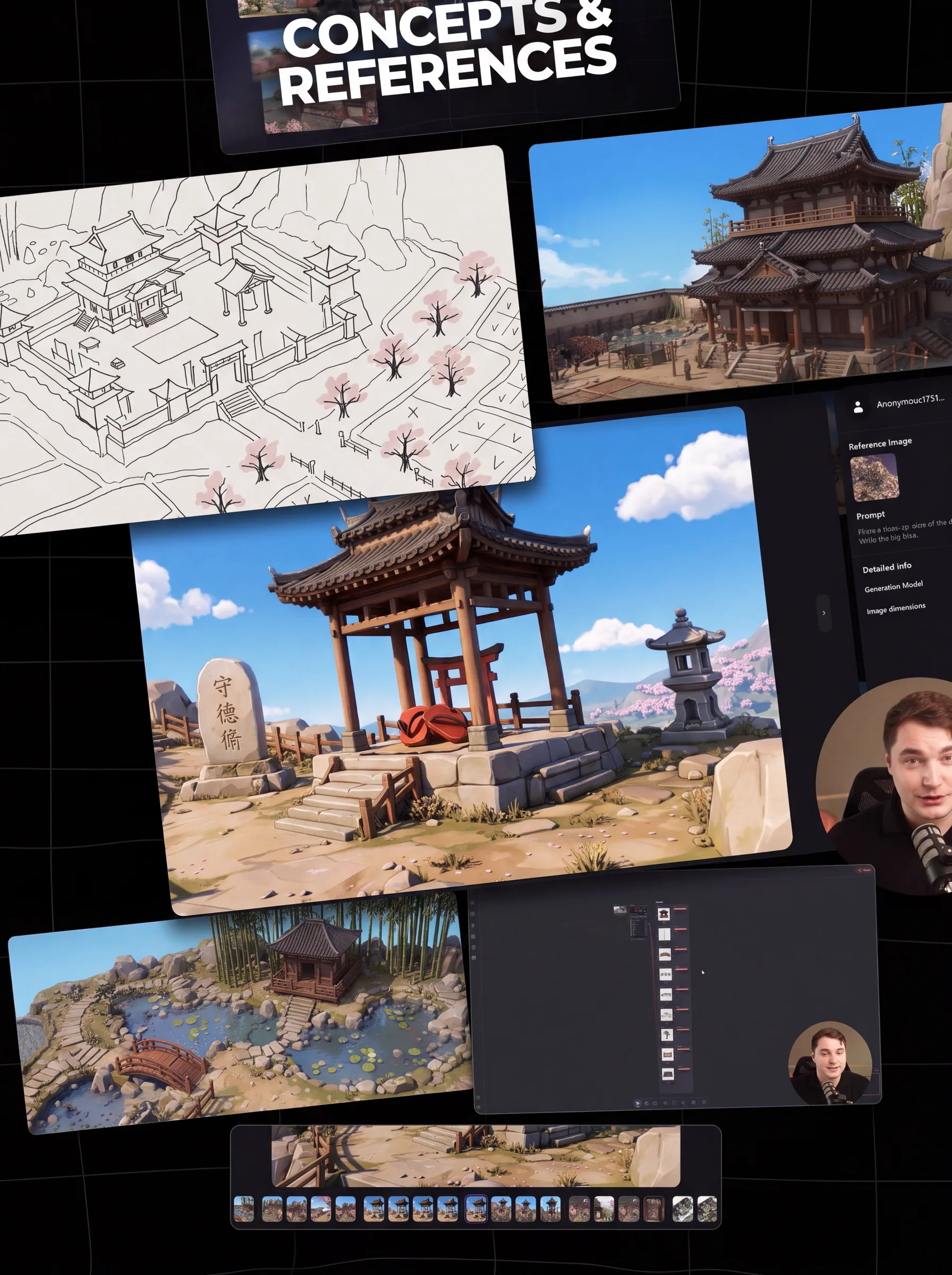
Lesson 1
TOOLS:
You walk away with:
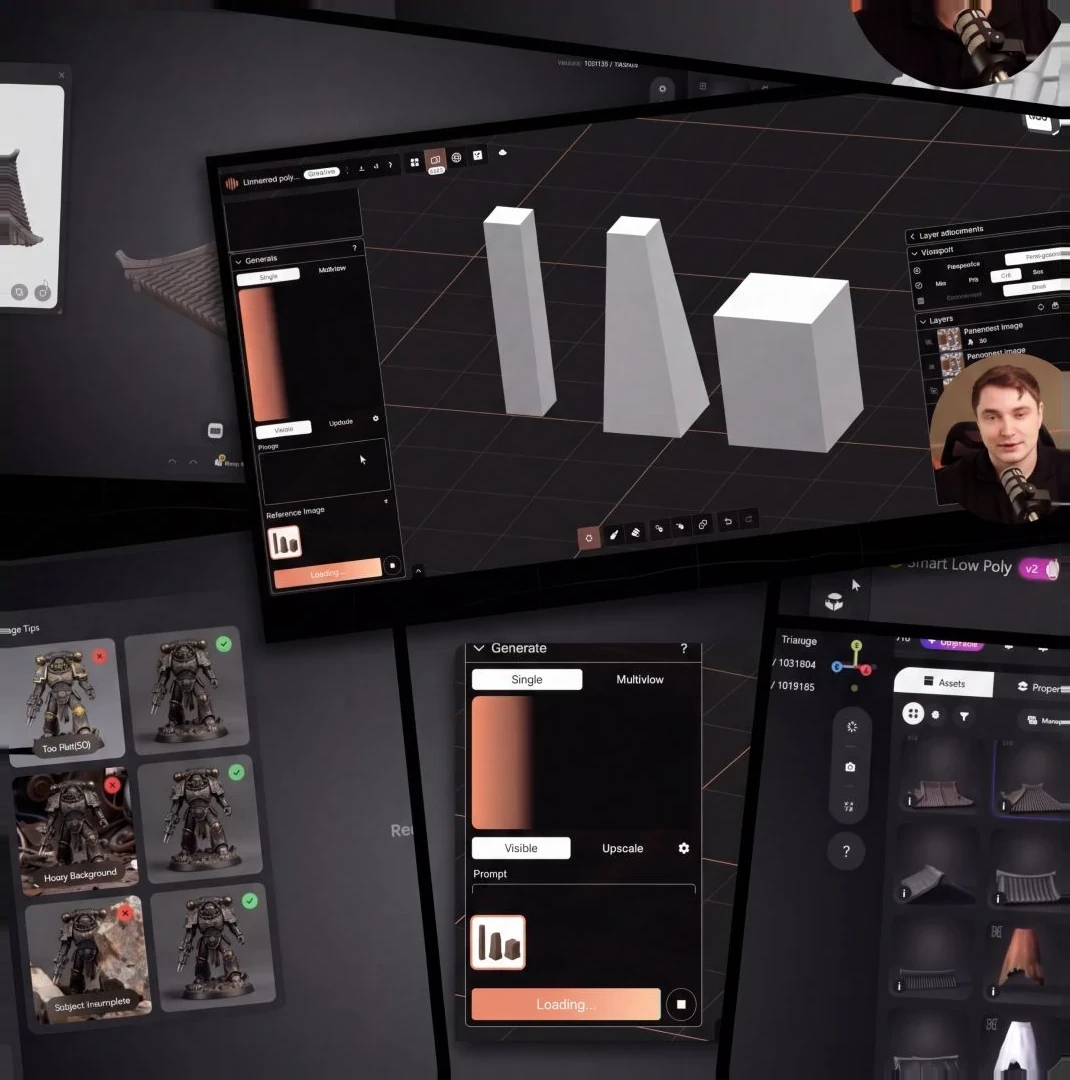
Lesson 2
TOOLS:
You walk away with:
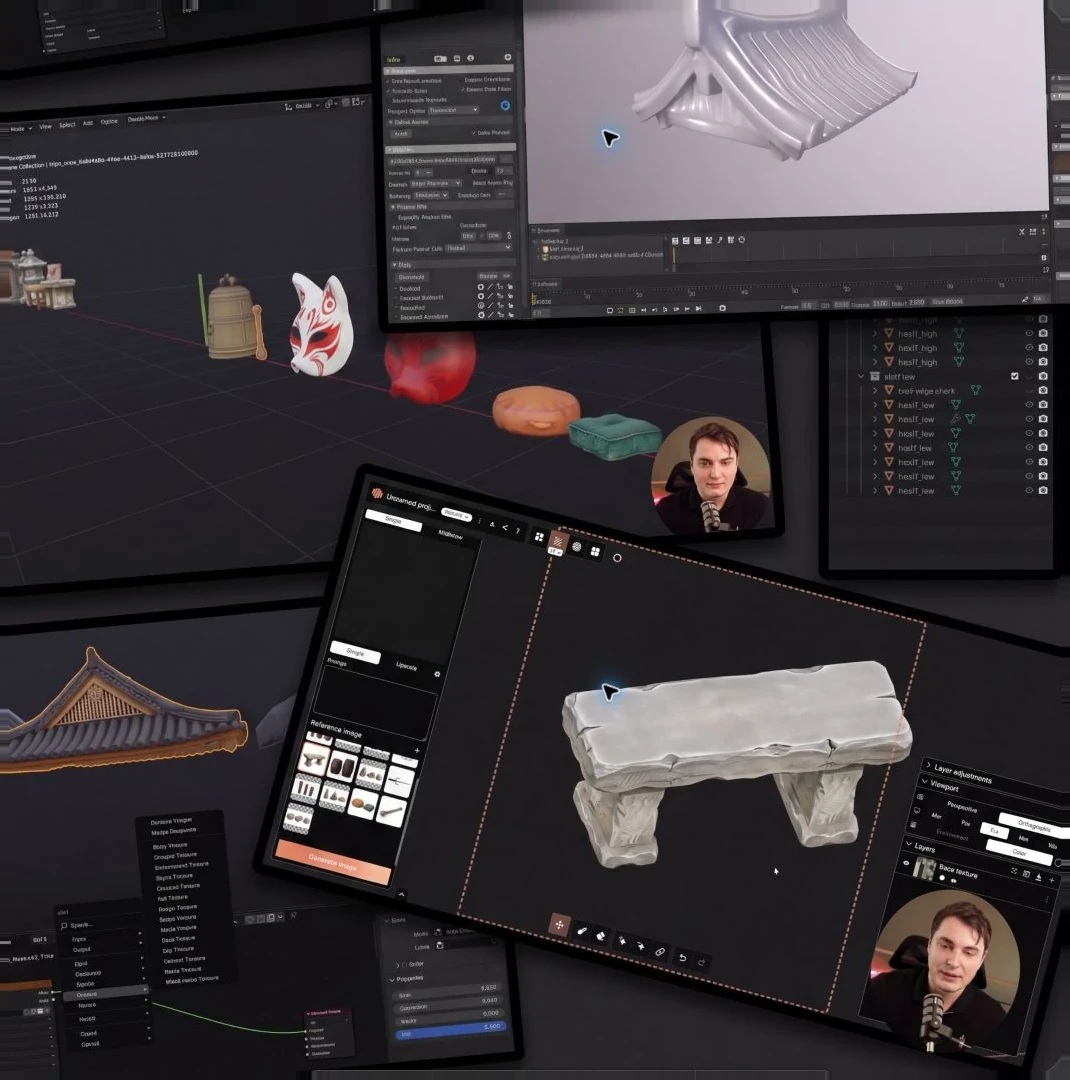
Lesson 3
TOOLS:
You walk away with:
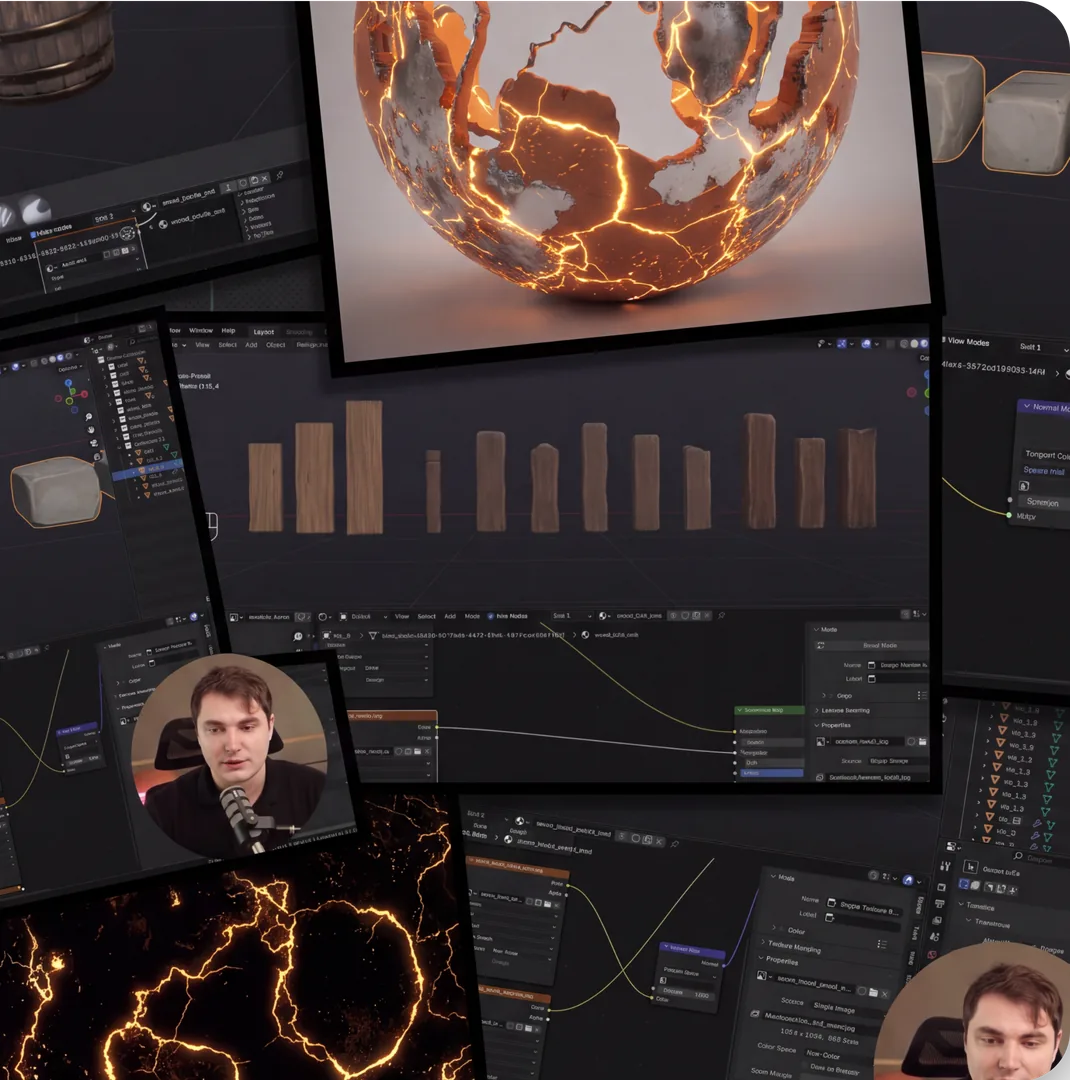
Lesson 4
TOOLS:
You walk away with:
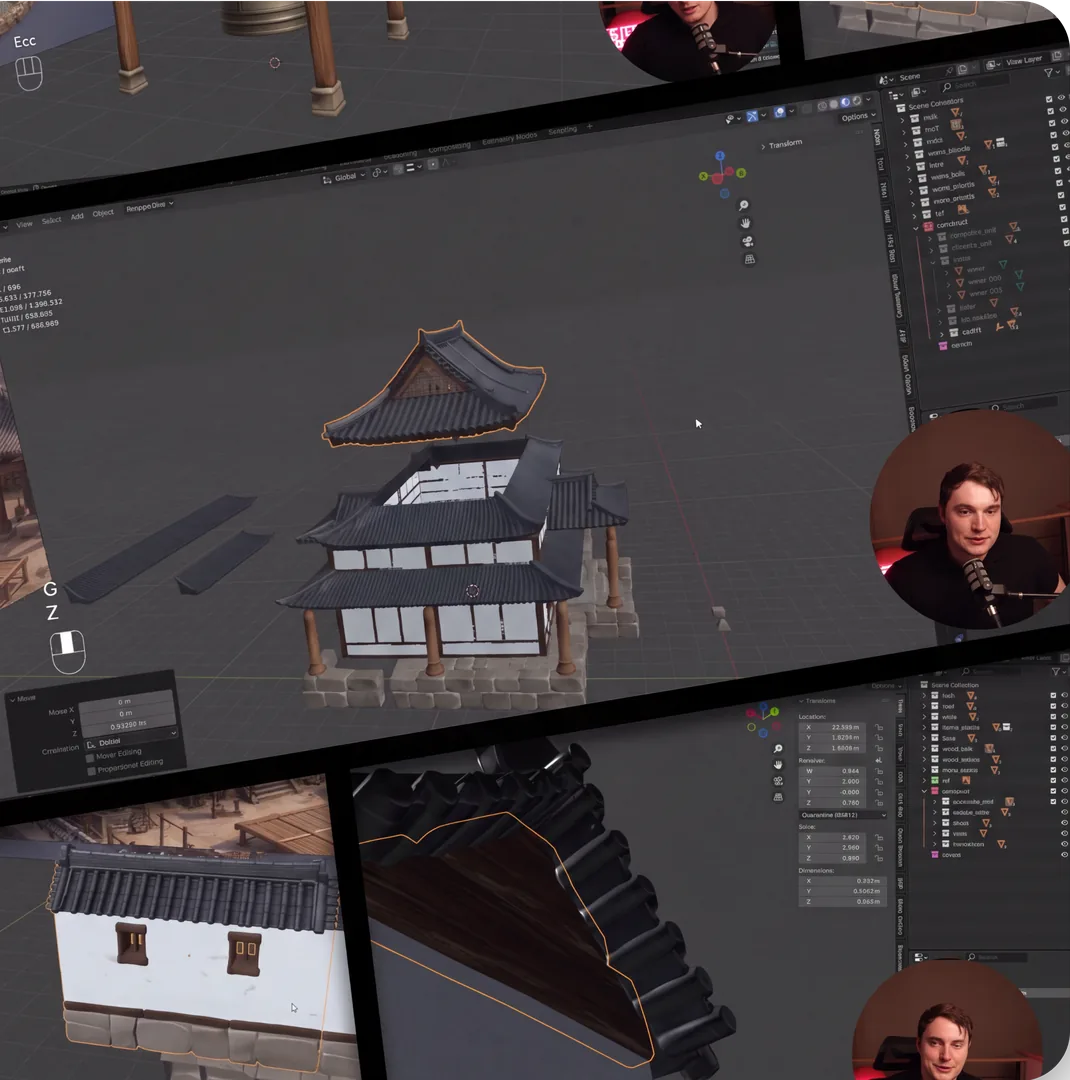
Lesson 5
TOOLS:
You walk away with:
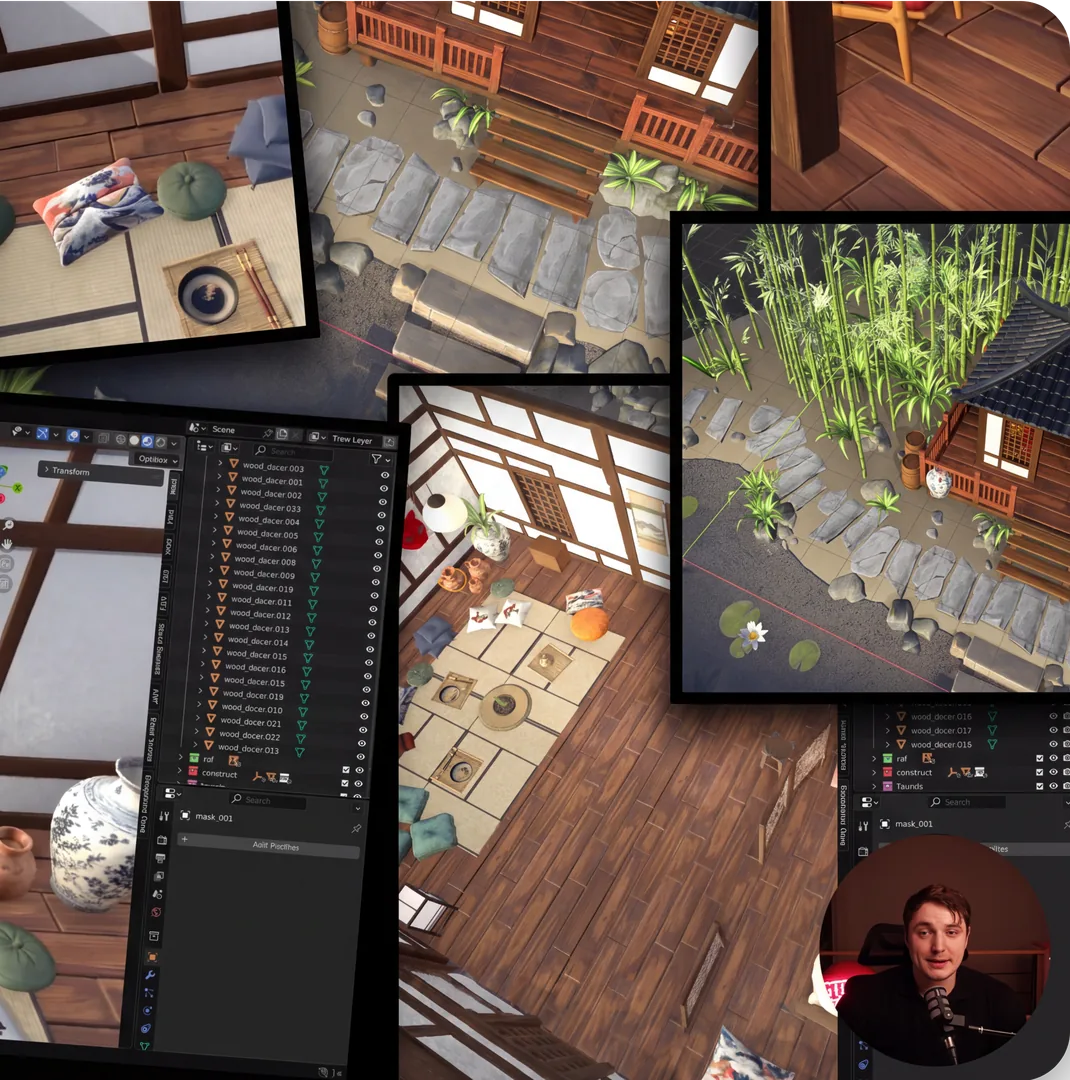
Lesson 6
TOOLS:
You walk away with:
Lesson 7
TOOLS:
You walk away with:

Lesson 1
TOOLS:
You walk away with:
Lesson 2
TOOLS:
You walk away with:
Lesson 3
TOOLS:
You walk away with:
Lesson 4
TOOLS:
You walk away with:
Lesson 5
TOOLS:
You walk away with:
Lesson 6
TOOLS:
You walk away with:
Lesson 7
TOOLS:
You walk away with:
01/07



A cinematic shot of your environment in Unreal Engine 5, ready to show clients, studios, or put on your reel.

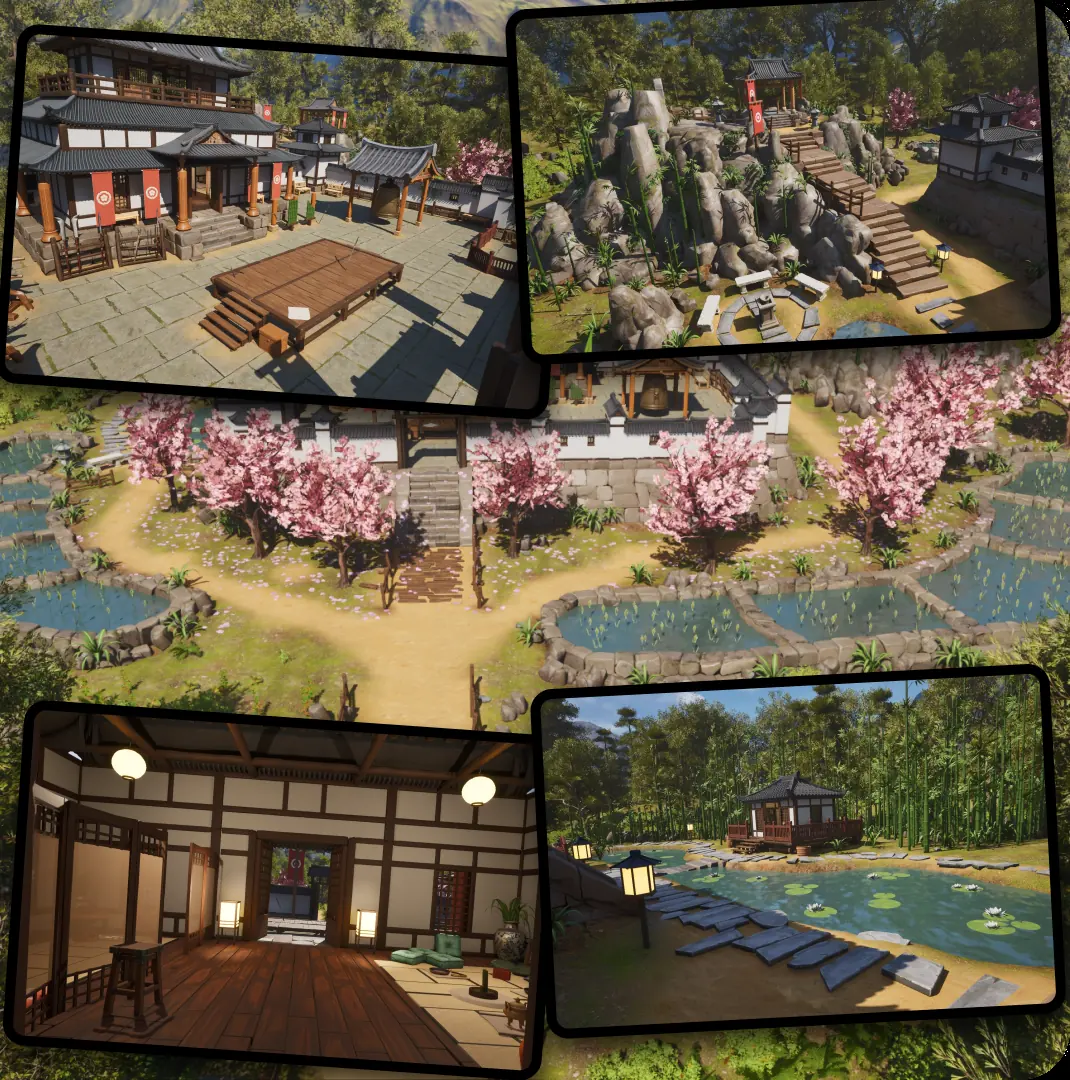
Terrain, structures, vegetation, props: all assembled from AI-generated assets, textured, and running in Unreal Engine 5.
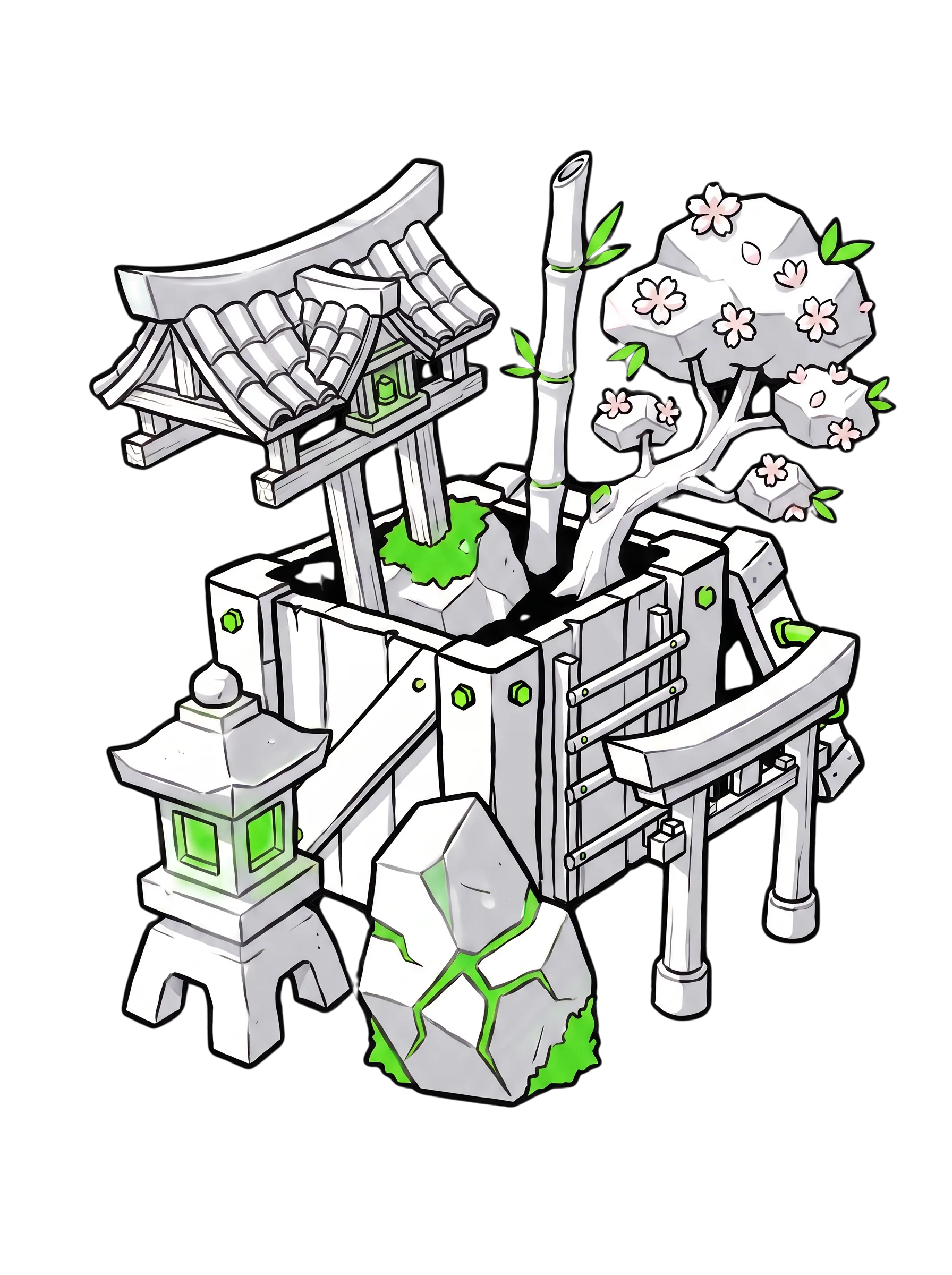
Every asset you generated and built during the course stays with you: modular parts, rocks, flora, props. Ready to use in your next project.


From a rough sketch to a finished scene in a game engine. The same process works for any project: change the assets, keep the method.
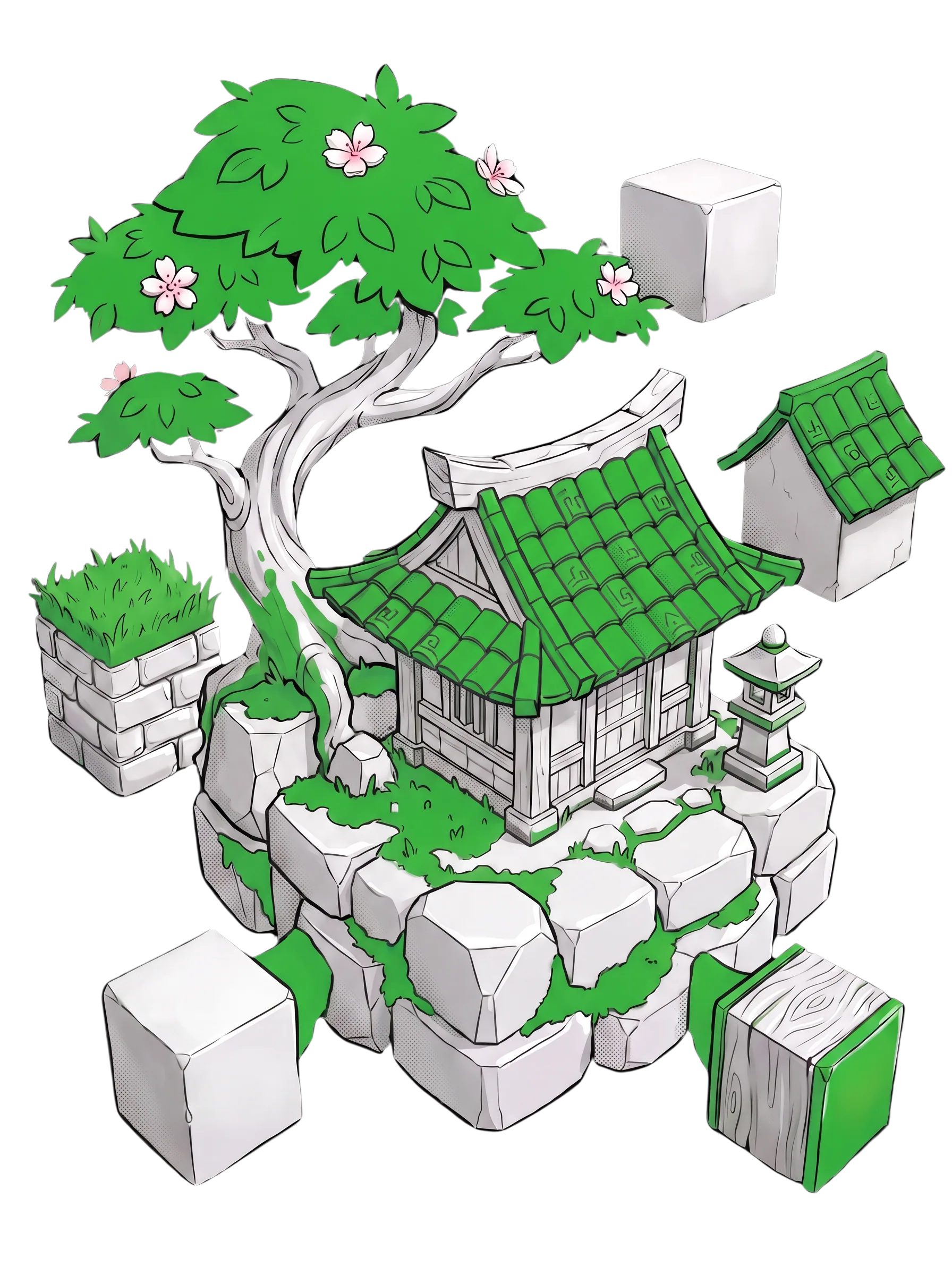
Baked textures, clean PBR materials, material count cut from 60-80 to ~20. Your location runs in an engine, not just renders in a viewport.
/01Terrain, structures, vegetation, props: all assembled from AI-generated assets, textured, and running in Unreal Engine 5.
/02Every asset you generated and built during the course stays with you: modular parts, rocks, flora, props. Ready to use in your next project.
/03A cinematic shot of your environment in Unreal Engine 5, ready to show clients, studios, or put on your reel.
/04From a rough sketch to a finished scene in a game engine. The same process works for any project: change the assets, keep the method.
/05Baked textures, clean PBR materials, material count cut from 60-80 to ~20. Your location runs in an engine, not just renders in a viewport.



 /speakerAbout Stefan
A game-ready character built from scratch, and a full 3D world for it to stand in
Both are taught the same way real production teams actually work.


3D Engineer,AI Specialist,Content Creator,Serial entrepreneur
)Learn3D AI is an online school for AI-assisted 3D production.
AI x 3D covers concept development, 3D generation, sculpting, retopology, texturing, rigging, and final import into Unity and Unreal Engine 5.

/ AI x 3D starts from the basics — no prior 3D experience needed.
/ The environment course teaches the environment around it — both built from real production experience.
/testimonialsReviewsIn their own words.
Selected excerpts from student reviews on Trustpilot.
I really enjoyed this course!
Everything is well structured and clearly explained, which makes the whole learning process easy to follow and enjoyable.
Customer
Read on Trustpilot ↗Very well structured and the instructor is awesome!
So grateful a course like this exists. They also have a discord server where you can get very helpful feedback for questions.
Victor Bezak
Read on Trustpilot ↗The material is practical and genuinely helped me get up to speed with tools I hadn't used before.
What stands out the most is their communication — they're responsive, clear, and always willing to help when I have questions.
Gabriel Barchini
Read on Trustpilot ↗ /course
The Next-Gen Character Workflow
Build a game-ready character from the first concept through 3D generation, cleanup, texturing, rigging, and engine export.


Yes. The course is designed for beginners, and the tools and workflow are explained clearly step by step. It spends less time on fundamental 3D theory, so basic familiarity with Blender and common 3D concepts is recommended. If you're completely new to 3D, we recommend taking the Character course first as preparation.
Any modern computer capable of running Blender and basic AI tools will work. A dedicated GPU is recommended but not required.
You get 7 main lessons covering the full environment workflow, including export and scene setup in Unreal Engine 5, plus a separate Tools reference lesson. Bonus lessons are included at launch, with more added over time during your access period.
You can work through the full workflow in 5 days, or study at your own pace. You have lifetime access to the course and its materials.
Yes. You’ll receive a certificate of completion after completing the course.
You can use the environment you build as a portfolio example. Taking on paid work depends on the quality of your work and the requirements of each project.
Full voiceover in 5 languages (English, German, Spanish, Brazilian Portuguese, Russian) and subtitles in 9 languages (all voiceover languages plus Korean, Japanese, Chinese Simplified, French). Pick your language inside each lesson player, no extra setup.

Still have doubts? Let’s clear them up!
Yes. The course is designed for beginners, and the tools and workflow are explained clearly step by step. It spends less time on fundamental 3D theory, so basic familiarity with Blender and common 3D concepts is recommended. If you're completely new to 3D, we recommend taking the Character course first as preparation.
Any modern computer capable of running Blender and basic AI tools will work. A dedicated GPU is recommended but not required.
You get 7 main lessons covering the full environment workflow, including export and scene setup in Unreal Engine 5, plus a separate Tools reference lesson. Bonus lessons are included at launch, with more added over time during your access period.
You can work through the full workflow in 5 days, or study at your own pace. You have lifetime access to the course and its materials.
Yes. You’ll receive a certificate of completion after completing the course.
You can use the environment you build as a portfolio example. Taking on paid work depends on the quality of your work and the requirements of each project.
Full voiceover in 5 languages (English, German, Spanish, Brazilian Portuguese, Russian) and subtitles in 9 languages (all voiceover languages plus Korean, Japanese, Chinese Simplified, French). Pick your language inside each lesson player, no extra setup.